



Every security project starts with cameras. Brand, resolution, lens angle, mounting position — these decisions get the most attention and the most budget discussion. What gets quietly underestimated, almost every time, is the recording layer sitting behind those cameras. That layer determines how long footage is kept, how reliably it is retrieved under pressure, whether remote access actually works at 2am, and what happens when a drive fails during a critical incident.
Getting it wrong is expensive — not at purchase time, but six months later when the limitations become unmistakable. That is why the conversation about network video recorders deserves far more depth than it typically gets.
The hardware decision is just the surface. Beneath it sits a set of architectural choices that shape the entire lifespan of a surveillance system. Most of these choices are reversible only at significant cost.
Why Recording Architecture Gets Skipped in Early Planning
There is a pattern that repeats across commercial, industrial, and residential installations. The camera specification process is thorough. Field of view calculations are done. IP ratings are checked. Infrared range is verified. Then the recording unit gets selected based on channel count and price, with little further analysis.
This creates a mismatch. High-resolution cameras feeding into an underpowered recording unit produce degraded footage, inconsistent frame rates, and dropped streams during peak load. The cameras get blamed. The real issue lies in the recording medium.
Three questions that must be asked from the beginning of any project:
- How much is the overall sustained throughput of data for all the cameras together, not individual channels?
- Does the unit maintain full write speed when all drives are operating simultaneously under load?
- What is the actual retrieval speed when exporting footage — not just the recording speed?
These questions rarely appear in standard procurement checklists. They should be the first three items on every one.
The Hidden Maths of Storage Retention
Retention period mismatches are one of the most common causes of post-installation disputes. A client expects 30 days of footage. The installation delivers 11. The gap is not dishonesty — it is arithmetic done at the wrong resolution.
Storage consumption depends on several interacting variables. Each of them can be underestimated on its own.
- Resolution: At the same settings, a 4MP stream consumes approximately 2.5x more disk space than a 2MP stream
- Frame rate: Jumping from 10fps to 25fps nearly triples storage consumption with no visible security improvement in most static scenes
- Compression: H.264 and H.265 compress the same video into extremely different-sized files – H.265 offers up to 50% compression
- Complexity of the scene: Active outdoor scenes such as those with greenery or traffic yield much larger files than passive indoor hallways
- Recording mode: Continuous recording compared to motion-activated recording can yield a 5x to 8x difference in storage capacity per day
When these variables are calculated conservatively and multiplied across a 16-camera system, the storage requirement can triple against initial estimates. Planning storage for peak conditions, not average conditions, is the professional standard.
Codec Intelligence: The Spec That Changes Everything
H.265 encoding support has moved from premium feature to practical necessity. The storage economics justify it across almost every deployment type, but the implementation quality varies considerably between manufacturers.
Smart codec technology takes H.265 further by applying selective compression based on scene activity. Static areas of the frame — a blank wall, an empty car park bay, an unchanging corridor section — are compressed aggressively. Moving elements receive full detail. The bottom line is that you will get footage that cannot be distinguished from full-rate recording while occupying little space.
What should be verified before purchasing the gadget:
H.265 decode support via hardware or software (hardware supports more channels without frame drop)
- Whether smart codec features require a specific camera brand to activate, or operate across any ONVIF-compliant device
- Whether bitrate limits are per-channel or aggregate — aggregate limits cause quality degradation across all channels when one camera has a high-activity scene
Redundancy Planning: What Happens When a Drive Fails
Drive failure is not a rare event. It is a scheduled certainty. Consumer hard disks are known to have a mean time between failure in the range of tens of thousands of hours. Even surveillance-oriented drives are more durable when under constant write conditions, but still fail. The only variable is when.
Properly configured network video recorders handle drive failure without data loss and without interrupting recording. The mechanism is RAID — Redundant Array of Independent Disks — which mirrors or distributes data across multiple drives so that a single failure does not cause footage loss.
Understanding the RAID options available matters before purchasing:
- RAID 0: Increases speed and capacity but offers zero redundancy — one drive failure loses everything. Unsuitable for surveillance
- RAID 1: Full mirroring across two drives. Complete redundancy, but halves usable capacity
- RAID 5: Distributes data and parity across three or more drives. One drive can fail without data loss. Good balance of capacity and protection
- RAID 6: Like RAID 5 but tolerates two simultaneous drive failures. Appropriate for critical installations
- Hot spare: An idle drive that automatically rebuilds data when an active drive fails, without requiring manual intervention
For sites without regular IT support — remote properties, unstaffed retail locations, after-hours facilities — a hot spare configuration is not a luxury. It is the difference between a self-healing system and one that silently stops recording.
Remote Access Without Compromise
Remote monitoring is now an expected baseline feature, not a premium add-on. But how remote access is implemented varies significantly — and the wrong implementation creates serious security vulnerabilities.
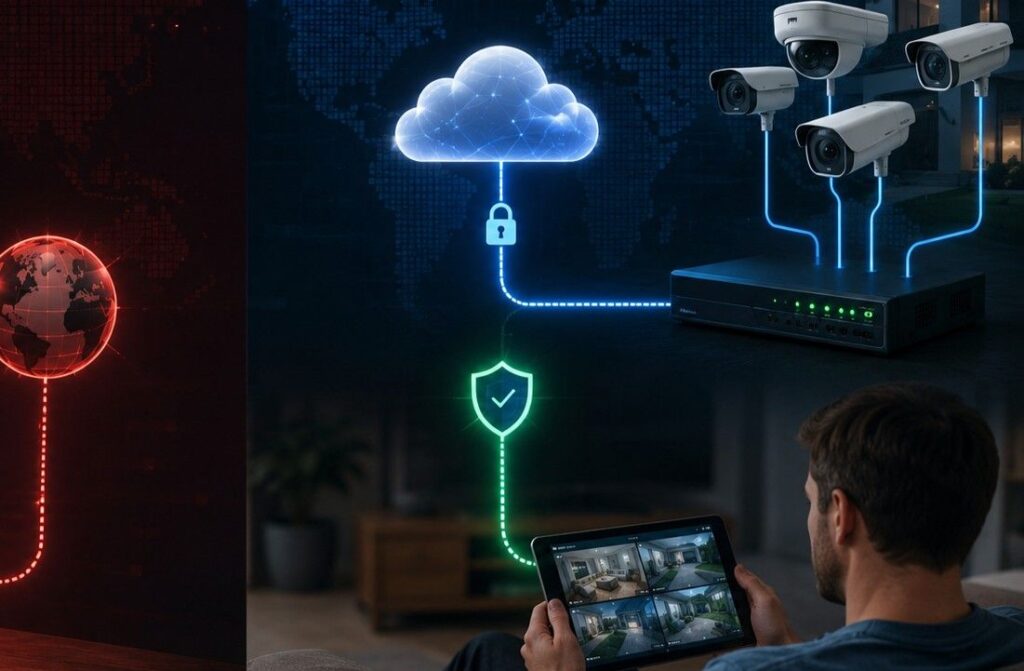
Port forwarding, once the standard approach to remote viewing, opens direct pathways into a network from the public internet. This practice has been associated with numerous documented security incidents involving surveillance systems. P2P cloud relay access — where the unit initiates an outbound connection to a relay server, and the remote client connects through that relay — eliminates exposed ports entirely.
Checklist for evaluating remote access architecture:
- Does the unit support P2P cloud access without port forwarding requirements?
- Is the mobile application updated regularly and compatible with current iOS and Android versions?
- Can access permissions be set per user with defined viewing windows and channel restrictions?
- Is there an audit log showing who accessed footage remotely and when?
- Does the system support two-factor authentication for remote login?
Remote access without a proper permission framework is not a feature — it is a liability waiting to surface during an insurance claim or a legal discovery process.
Integration Depth: Beyond Standalone Recording
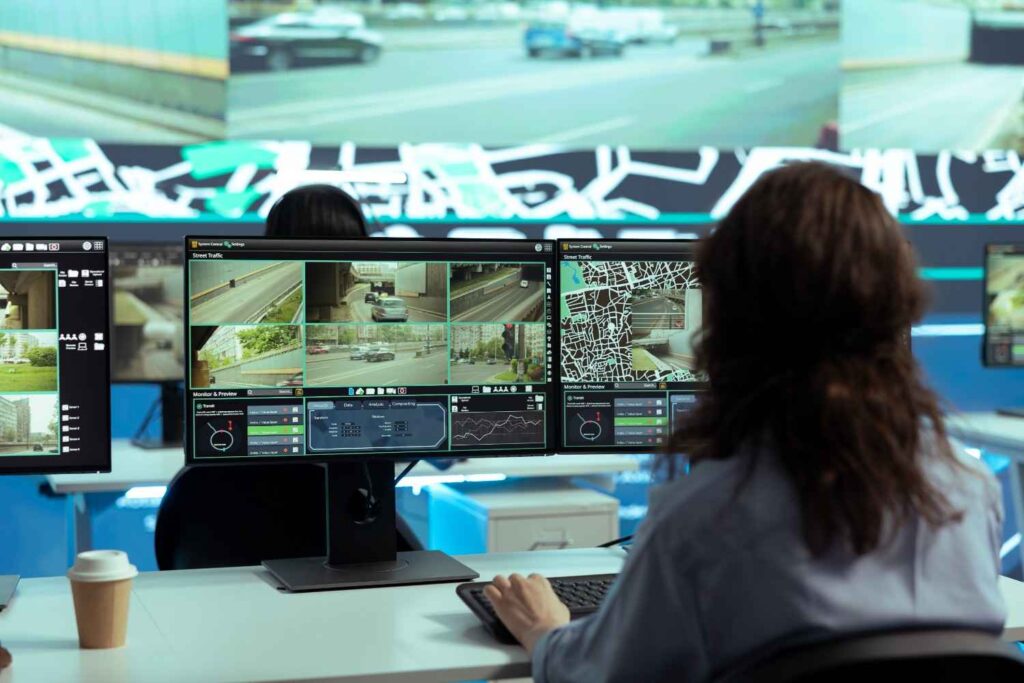
Modern installations rarely operate in isolation. Access control systems, alarm panels, intercom platforms, and building management systems all generate events that have surveillance relevance. A recording system that can receive alarm inputs and trigger recording responses — switching from low-frame-rate background recording to full-resolution continuous capture when a sensor is triggered — dramatically improves the quality of forensic footage during actual incidents.
Integration capabilities worth confirming before specification:
- Alarm input channels: physical dry-contact inputs for linking to door sensors, PIR detectors, or panic buttons
- ONVIF Profile G compliance: ensures interoperability with cameras from any manufacturer for both recording and playback
- POS integration: for retail environments, overlaying transaction data on footage from point-of-sale systems
- API availability: allows custom integration with facility management platforms or central monitoring stations
The Decision That Outlasts the Installation
Camera hardware gets replaced on a 5–7 year cycle as resolution standards evolve. The recording infrastructure, if selected correctly, can outlast two or three generations of cameras. Channel capacity grows through licence activation. Storage expands through additional drives. New camera protocols are supported through firmware updates.
Treating the recording layer as an afterthought produces systems that are adequate at commissioning and problematic within two years. Treating it as the architectural foundation of the surveillance system produces something that genuinely serves its purpose when an incident occurs and the footage is needed most. This long-term planning mindset is similar to how private equity firms use a due diligence data room to organize critical information before making major decisions.
The cameras capture the scene. The recording infrastructure decides whether that scene is available when it matters.